
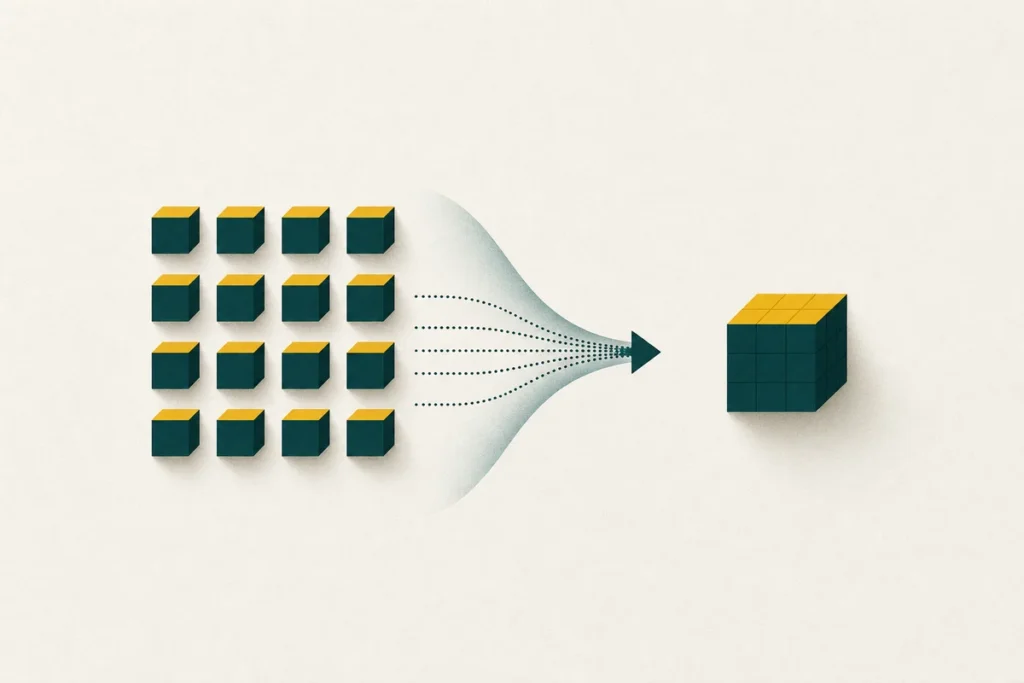
The core idea: store repetition once
Most files are full of repetition. A document repeats words and spaces; a spreadsheet repeats column formats; a program repeats instructions. Compression works by spotting those repeated pieces and writing each one down a single time, along with short notes about where it should reappear. Rebuild the file from those notes and you get the original back, exactly.
This is the difference between the file as you see it and the file as it is stored. On screen the text looks the same length as ever. On disk, inside a .zip, it may take a third of the room because the archiver replaced thousands of repeated fragments with compact references.
Two jobs in one file
An archive does two separate things, and it helps to keep them apart:
- Bundling – many files and folders are wrapped into one container, so they travel and store as a single item.
- Compressing – the data inside that container is encoded in a smaller form.
Some formats lean on one job more than the other. A plain .tar only bundles and does not shrink anything; pairing it with gzip to make .tar.gz adds the compression step. A .zip does both at once.
Lossless is the key word. Archive formats restore your data perfectly, byte for byte. That is unlike a JPEG or an MP3, where the codec throws away detail to save space and you can never get the original back. Zipping a JPEG does not lose more quality – it simply has little left to compress.
Why some files shrink and others do not
Compression feeds on predictability. The more repetition and structure a file has, the more an archiver can remove. That is why these patterns hold so reliably:
| File type | Typical result | Reason |
|---|---|---|
| Text, logs, code, CSV | Shrinks a lot | Heavy repetition of words and structure |
| Databases, uncompressed images (BMP, TIFF) | Shrinks well | Predictable, regular data |
| JPEG, PNG, MP3, MP4 | Barely shrinks | Redundancy already removed at save time |
| Encrypted or random data | Does not shrink | No detectable pattern to exploit |
Compression levels: effort versus speed
Most tools let you choose how hard to compress, from “store” (no compression, fastest) up to “ultra” (smallest result, slowest). Higher levels search longer for patterns, so they take more time and memory for a often modest extra saving. For everyday use the normal or default level is the right balance. Maximum levels make sense when you are about to send something over a slow connection or store it for a long time.
It is worth knowing that the effort only affects creating the archive. Extracting is fast at any level, because unpacking simply follows the notes the archiver already wrote.
What happens when you extract
Opening an archive reverses the recipe. The tool reads the stored patterns and their placement notes, reassembles each original file in memory, and writes it back to disk under its original name and folder. Because the format records names, folder structure and timestamps, a well-made archive unpacks into the same layout it was created from. If you only need one file from a large archive, most tools can extract just that item without rebuilding the rest.
Frequently asked questions
Is compressing the same as encrypting?
No. Compression makes a file smaller; encryption makes it unreadable without a key. They are separate steps. Some formats can do both, but a plain archive is not protected just because it is compressed.
Can I compress a file that is already zipped?
You can, but it rarely helps. The first pass already removed the easy redundancy, so a second pass usually saves almost nothing and sometimes adds a few bytes of overhead.
Does a higher compression level damage my files?
Never. Every level is lossless, so the extracted files are identical regardless of how hard the archive was compressed. Higher levels only cost more time and memory while packing.
Why is extracting so much faster than compressing?
Compressing searches for patterns, which is the slow part. Extracting just replays the notes the archiver already produced, so it runs quickly at any compression level.
What is the difference between .tar and .tar.gz?
A .tar only bundles files into one container without shrinking them. Adding gzip produces .tar.gz, which bundles and then compresses.