
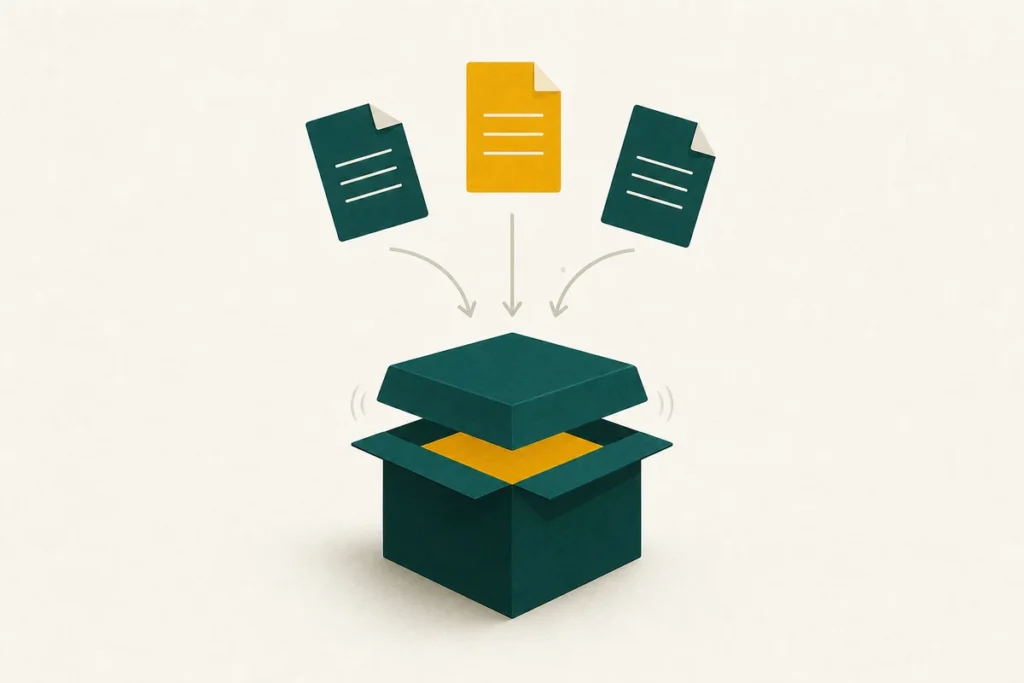
Combine one or more files into a single .zip – compressed and ready to share. The files are packed here in your browser and never uploaded, so this is safe for private documents as well as everyday sharing.
How to use it
- Drop your files onto the box above, or click it to choose them.
- Leave the compression on Normal for the smallest file, or switch to Store to bundle without compressing (useful when the contents are already compressed).
- Select Create ZIP. Your browser builds the archive and downloads it as krunch-archive.zip.
What is happening behind the scenes
A ZIP does two jobs at once: it bundles several files into one container, and it shrinks them. This tool uses the deflate method built into your browser – the same method standard ZIP files use – so the archive it produces opens in Windows, macOS, Linux and on phones without any special software. Each file is checked with a CRC value as it is packed, which is what lets the recipient’s software confirm the archive is intact when they open it.
If a file barely shrinks, it was probably already compressed – photos, video and music carry little spare redundancy. The tool notices this automatically and stores such files as-is rather than making them larger, so a ZIP is never bigger than it needs to be.
When to choose Store over Normal
Normal compression is the right default and gives the smallest result for documents, spreadsheets, text and code. Choose Store only when you simply want to bundle files that are already compressed – a folder of JPEGs, say – because compressing them again wastes time for almost no saving. Store is also marginally faster, since it skips the compression step entirely.
Picking the right format to send
For sharing with someone whose setup you cannot predict, .zip is the safest choice because it opens everywhere by default. If you need the very smallest archive and you know the recipient can open it, a desktop tool producing .7z will squeeze a little harder – the format comparison explains the trade-offs. To open an archive someone has sent you, use the unzip tool instead.
Frequently asked questions
Are my files uploaded to make the ZIP?
No. The archive is built inside your browser and downloaded straight to your device. Your files are never sent anywhere, so private documents are safe to zip here.
Will the ZIP open on any computer?
Yes. The tool produces a standard .zip using the normal deflate method, so it opens on Windows, macOS, Linux and modern phones without extra software.
Why did my ZIP barely get smaller?
The files were already compressed. Photos, video and music have little redundancy left, so they cannot shrink much. The tool stores them as-is so the archive never grows.
Can I add a password?
This tool creates standard unencrypted ZIPs. For password protection, a desktop archiver that supports AES encryption is the right choice, since the password is what actually secures the contents.
Is there a limit on how many files I can add?
There is no fixed limit. Because everything runs on your device, the practical ceiling is your computer’s memory rather than any server quota.